The short version
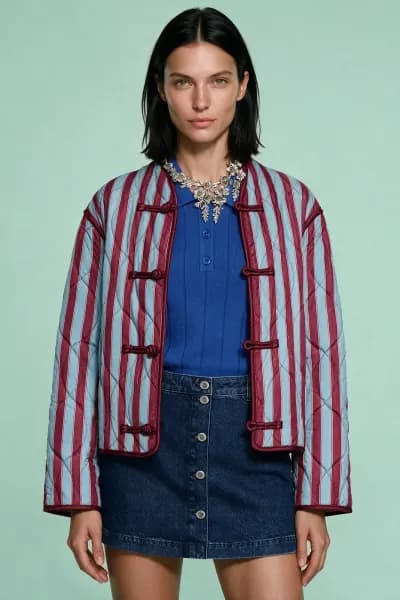
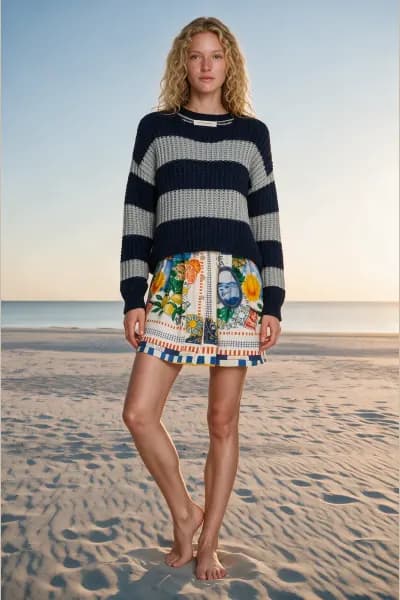
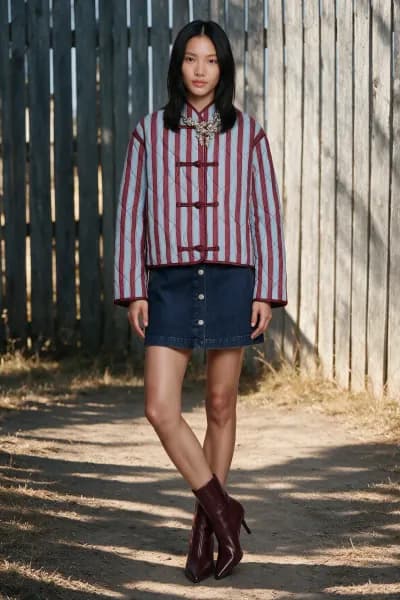
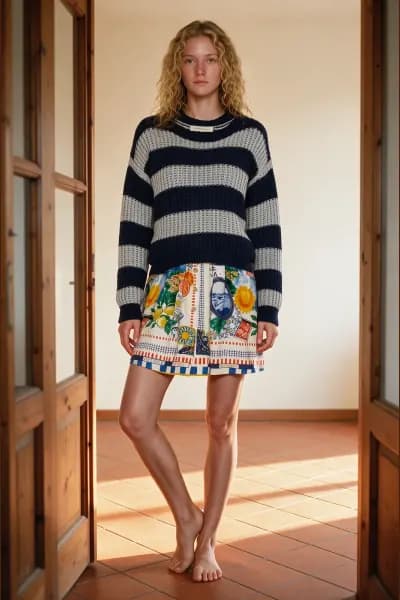
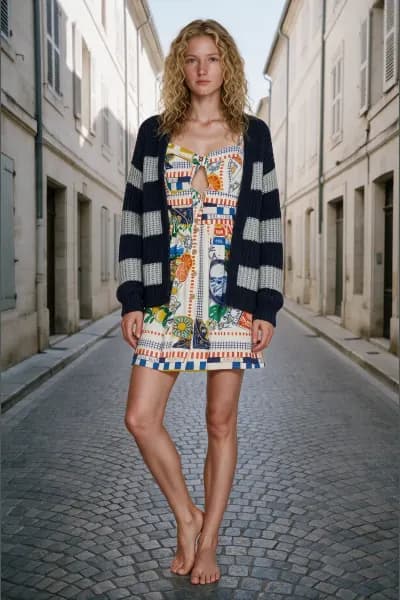
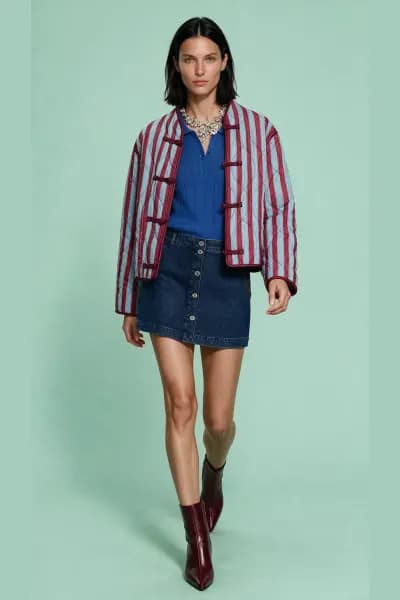
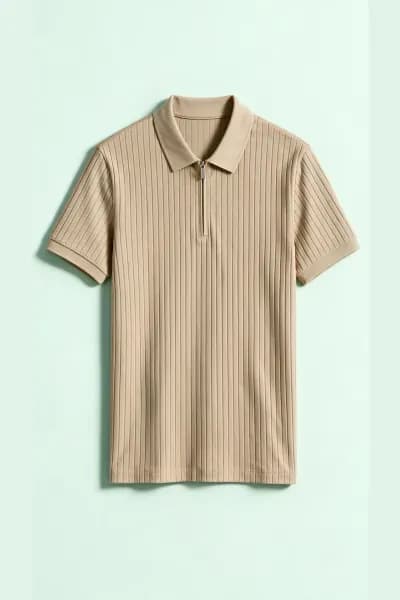
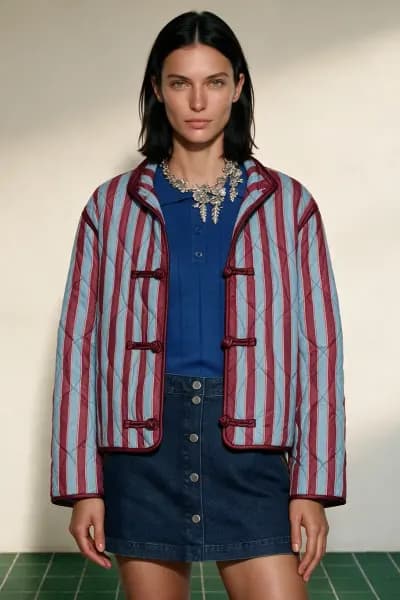
FashionStudio turns flat lays, worn photos and mannequin shots into editorial on model photos on AI generated models. It is built for clothing businesses that need on model photos faster and more often than a photographer on staff could deliver. Four kinds of business use it, and each one gets something slightly different.
Small and independent brands
You have the samples and a phone. Photograph the drop laid flat, and Flat lay to on model puts every look on a catalogue model, in a studio or a location scene, before the fabric reaches the shop floor.
What you get: a full campaign from one afternoon of flat lays, up to 6 poses per look, seven photo shapes so the same shoot serves the product page, the feed and the story, and a library that keeps every product's verified description for the next season.
Shopify, Etsy and marketplace sellers
New listings every week, and every one of them wants an on model photo. Read a product photo once, generate, download at Storefront size, and publish today.
What you get: 1 credit per finished photo whatever the size, a Storefront export that caps the long edge at 2048 pixels without cropping, JPG, PNG or WebP, and Decoupe for the clean packshots a listing needs when the only photo you have is a worn one.
Boutiques and multi brand stores
The wholesaler sent flat lays, or you shot the rail on a dress form. Mannequin to on model and On model reshoot give every label in the shop one consistent house look: your chosen models, your scenes, your paper colour.
What you get: a consistent cast across brands, since the model and the scene are choices you make per shoot and can repeat, plus a library cap that grows with the plan (100 products on Starter up to 2,500 on Agency).
Agencies and small studios
Many clients, one library, one price per photo. Run each client as its own shoot, bill by the shoot, and hand over exports that already carry provenance metadata.
What you get: the Agency plan's 1,000 credits a month and 10,000 photo analyses a month, shoots that can be renamed and revisited, whole shoot downloads as a zip with a folder per size, and Pose Batch for the client who has a signed model and wants four more poses from one photo.
What every plan includes
The plans differ only by how many credits arrive each month. All three tools, every catalogue model, pose and scene, every export size and every format are the same on every plan. A new account starts with 3 free credits and no card, which is enough to read your products and shoot your first photos. A photo that fails to generate refunds its credit on every plan. Prices are on the pricing page.
Who it is not for
Being honest about this saves everyone a signup.
Anyone who needs a specific real person as the model. In the On model tool the output model comes from the catalogue. The catalogue models are generated and depict no real person, and your uploads never become the model's identity. The one exception is Pose Batch, which keeps the person in your photo as the subject, and it requires you to confirm you hold the rights to the photo and that person's consent. If your brief is "our founder, in our clothes, in ten scenes", that is not something the catalogue tools do.
Anyone expecting free generation. Reading a product photo is free, but the account must hold at least 1 credit to do it, and every finished photo costs 1 credit. The 3 free credits at signup are for judging quality on your own garments. After that, credits come from a subscription, and only from a subscription: there are no top up packs.
Anyone who needs an API today. FashionStudio is a web application. If an API is something you need, say so through the contact page; that is how the next thing gets chosen.
Anyone who cannot upload their photos. You must hold the rights to what you upload, and documented consent for any identifiable person in it.
Where to start
Read how a photo is made for the pipeline end to end, then pick the guide for the photos you have. If they are flat lays, start with Flat lay to on model. If they are already worn, On model reshoot. If they are on a form, Mannequin to on model.