How each tool works.
Step by step, nothing left out.
One guide per tool, written from how the studio actually behaves: what to upload, what each step asks, what every setting does, and what to do when it says no.
Tool guides
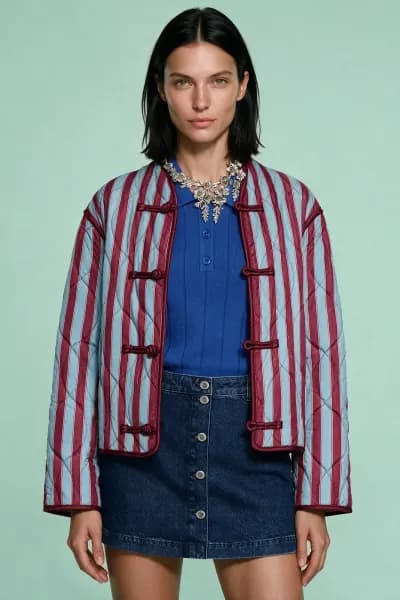
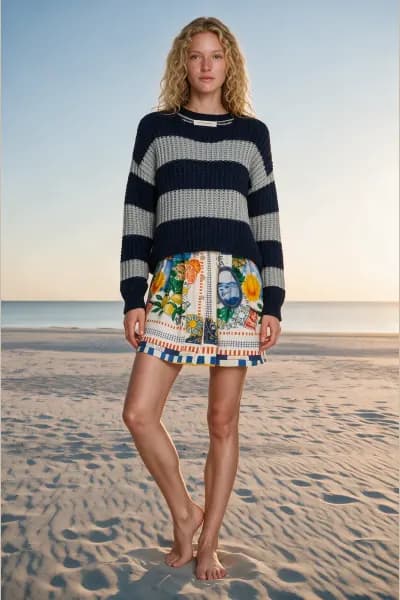
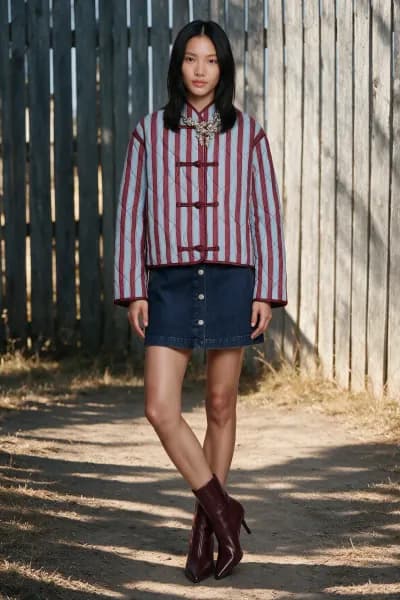
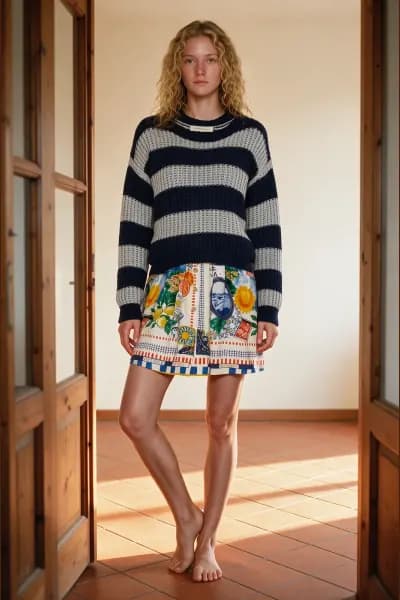
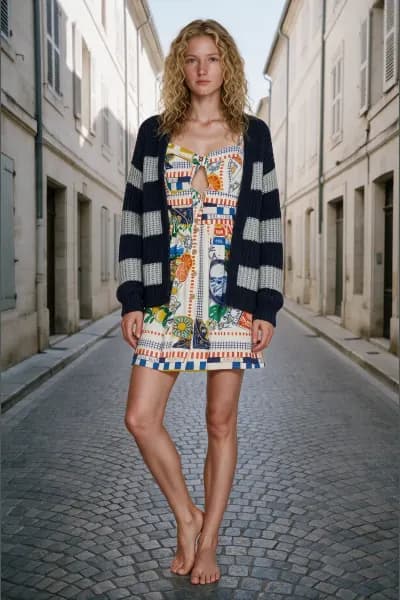
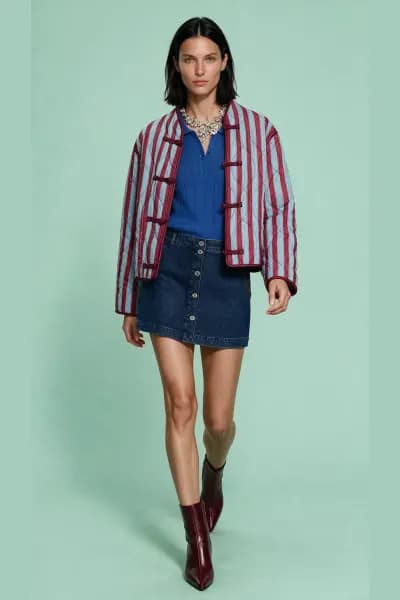
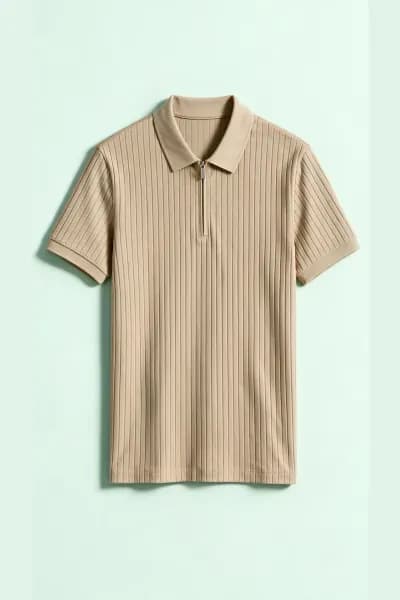
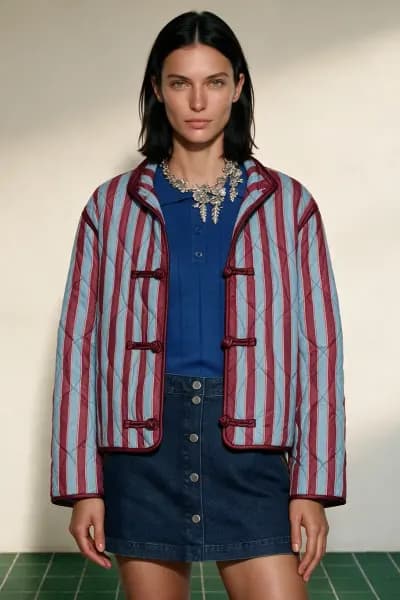
On modelFlat lay to on modelTurn flat lay product photos into on model photography: what to upload, every stage of the shoot, the look checks, credits, downloads and the AI label.7 min readOn modelOn model reshootReshoot an outfit already worn in a photo on one of our catalogue models: what the analyser reads off the body, the stages, credits and exports.6 min readOn modelMannequin to on modelPut garments photographed on a dress form onto a living catalogue model: how the analyser treats pins and forms, the stages, credits and exports.6 min readDecoupeDecoupeMake a clean standalone packshot of every product in a worn or mannequin photo: the three stages, the Ghost mannequin, Laid flat and Hanging styles, credits and exports.5 min readPose BatchPose BatchReshoot one photo of your own model in up to four new poses: why consent is required, how pose references work, the fine tune note, credits and exports.6 min read
Short reads
Who FashionStudio is forThe four kinds of business FashionStudio is built for, what each gets from it, and who it is honestly not for.3 min readHow a photo is madeThe pipeline behind every FashionStudio photo: upload, analysis into a verified description, casting, poses, scene, generation at 1 credit, export with the AI label, and what stays editable.4 min read
3 free photos. No card.